The short answer: Choose one year, trip, or milestone; gather the original clips from everyone who filmed it; and decide whether you want a short highlight movie or a chronological collection. Keep a separate backup of the originals. You can edit the movie yourself or hire a family video editor to do the work.
A camera roll can hold first words, ordinary breakfasts, a grandparent’s laugh, and a vacation you still talk about. The hard part is turning those separate clips into something you can sit down and watch. You don’t have to tackle your entire family history at once.
1. Start with one year or one occasion
Pick a boundary you can explain in a sentence: “our family in 2025,” “the lake trip,” or “the baby’s first year.” A date range makes it easier to find clips and decide what belongs. For a large backlog, finishing one year gives you a repeatable way to approach the next.
For example, a family making a first-birthday movie could collect clips from birth through the birthday, while a vacation movie could cover departure through the trip home. These are project ideas, not requirements to include every clip you have.
2. Gather original clips from each phone
Create an album or folder for that project. Ask your partner or relatives for their clips from the same dates, too. Keep the original files and their dates where possible; a copy forwarded through a messaging app may have less detail than the original recording.
- Check that shared links open for the intended person.
- Use descriptive folders, such as “2025 family videos” or “2025-07 lake trip.”
- Add a short note identifying important people, events, and moments you want included.
- Before deleting anything from a phone, check that your backup opens and the videos actually play.
You don’t need to rename hundreds of files before asking for help. At Watch Your Life, you can share footage through Google Photos, iCloud, Amazon Photos, or another major cloud service, or request a Dropbox upload link. The footage-sharing process starts with the clips you already have.
3. Decide: a highlight movie or a chronological collection?
A highlight movie is a short, selected story. It fits a birthday gathering, a trip recap, or a family movie night when you want a few meaningful minutes. Editing means choosing moments; it won’t contain everything.
A chronological collection brings the year together in order. It suits families who want more of the everyday moments preserved in a watchable sequence, including the voices and sounds that a quick montage might skip.
Watch Your Life offers both: the Storyteller Movie is a 3–5 minute cinematic edit, while the Living Library organizes one year into a single file or twelve monthly files. See the family movie examples before deciding which experience you want.
4. Edit your family videos yourself or hire help
If you enjoy editing and have time to learn, you can assemble a movie yourself. Start with a small selection, put clips in order, trim unwanted starts and stops, and check that speech is easy to hear. Watch the full export before sharing it.
If the backlog keeps getting postponed, a personal editor can take over the sorting and assembly. When comparing services, ask about input limits, finished length, music, revisions, privacy, and how you will receive the files. A low starting price may cover a different kind of project than the one you have in mind.
For a concrete comparison, read how to hire a family video editor, including Watch Your Life’s prices and package limits.
5. Make it easy to watch, and keep the originals
A finished movie is easier to revisit when everyone knows where it lives. Save the delivered file somewhere you can find it, keep another copy, and plan an actual movie night. A finished edit is a viewing copy; it should not be your only copy of the original memories.
You can watch through a compatible USB drive, casting, HDMI, or a TV’s YouTube app. If you choose YouTube, private and unlisted have different sharing rules: an unlisted link can be passed along by anyone who has it. The TV and YouTube viewing guide explains those choices.
Can someone turn my phone videos into a family movie?
Yes. Watch Your Life is a personal family video editing service run by Carolyn, a professional editor based in Colorado who serves families nationwide. You supply existing footage; Carolyn edits the movie. Living Library packages start at $225, and Storyteller Movies start at $350. Compare all packages and current pricing.
Start with the memories you already have.
Choose one year, one trip, or one milestone. There’s a manageable first project in that camera roll.
Start your family movie →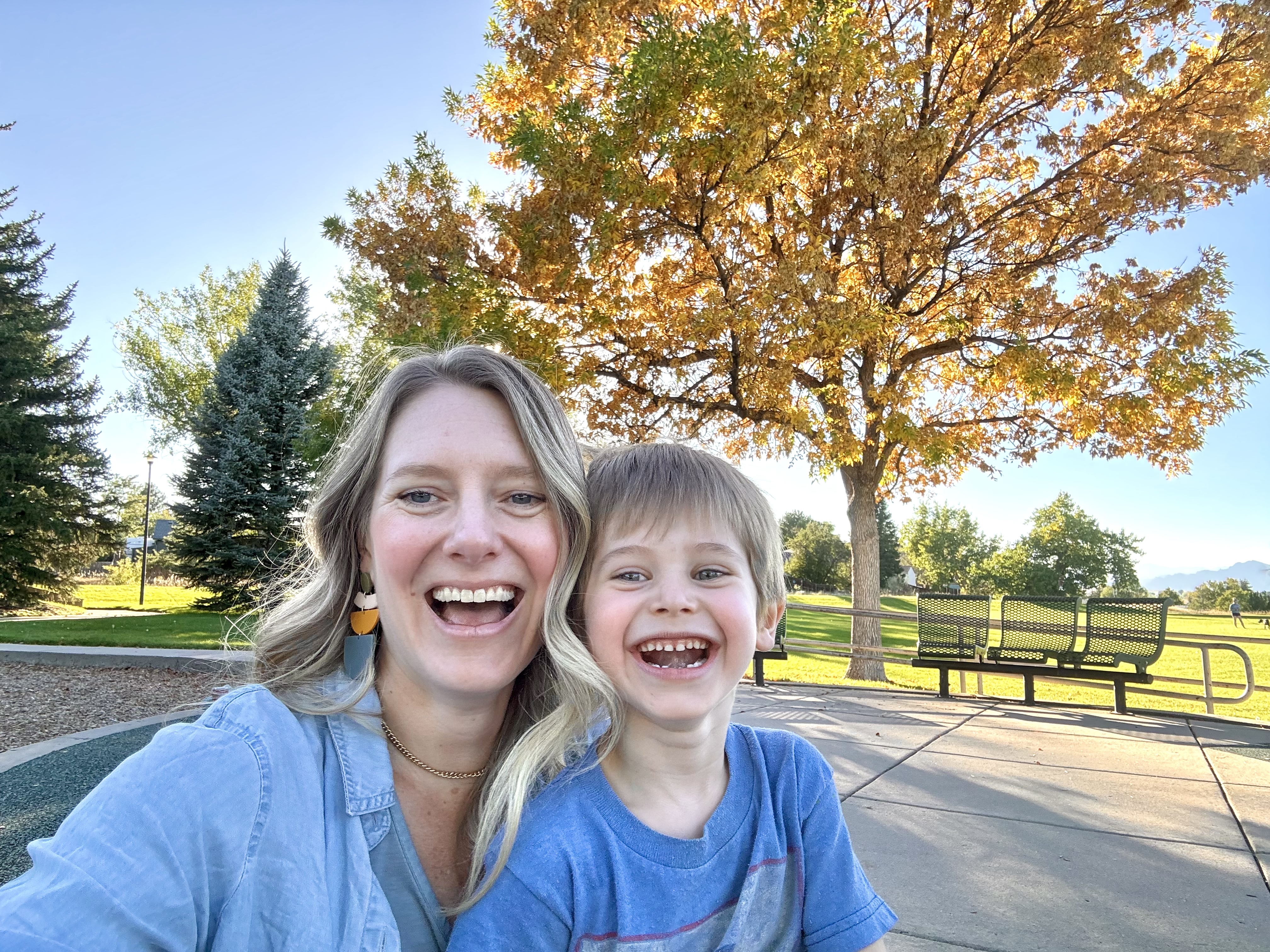
Hi, I’m Carolyn. I turn the clips on your phone into movies your family can watch together on the TV. Get to know me, or email me with a question.